st.info() in Streamlit
The info method is a message box component in Streamlit that displays informational messages inside a blue-colored box.
It’s typically used to:
- Share helpful information or guidance with users.
- Highlight non-critical notes or hints in an app.
- Display documentation-style information.
Syntax
st.info(body, icon=None)
The function has the following parameters:
- body: The text (string) or Markdown content you want to display. Example: "This app analyzes uploaded CSV files."
- icon: (optional) You can add a small emoji or icon before the text. Example: icon="ℹ️" or icon="💡"
Example: Basic Example.
Python
# Importing the Streamlit library
import streamlit as st

# Display an info message
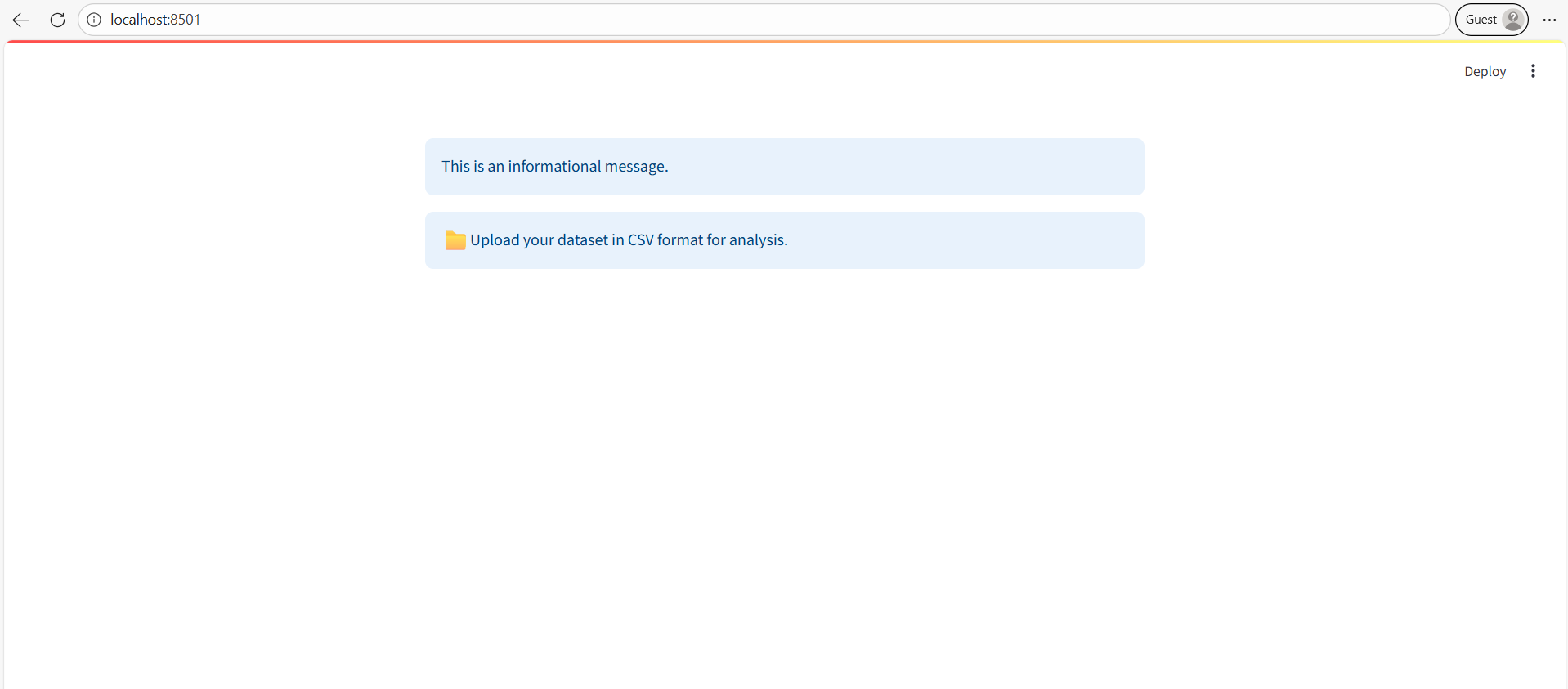
st.info("This is an informational message.")

# With an Icon
st.info("Upload your dataset in CSV format for analysis.", icon="📁")
The output of the above code is shown below: