st.success() in Streamlit
The success method is a message display function in Streamlit. It shows a green success box — often used to give positive feedback or confirmation messages such as file uploads, successful operations, or completed processes.
Syntax
Python
st.success(body, icon)
The function has the following parameters:
- body: The text or message to display (string, markdown, or HTML-safe text)
- icon: Optional icon to show (default is None). You can use emoji or remove it.
Example: Display a simple success message.
Python
# Importing the Streamlit library
import streamlit as st

# Set the title of the Streamlit app
st.title('Success method in Streamlit')

# Display a simple success message
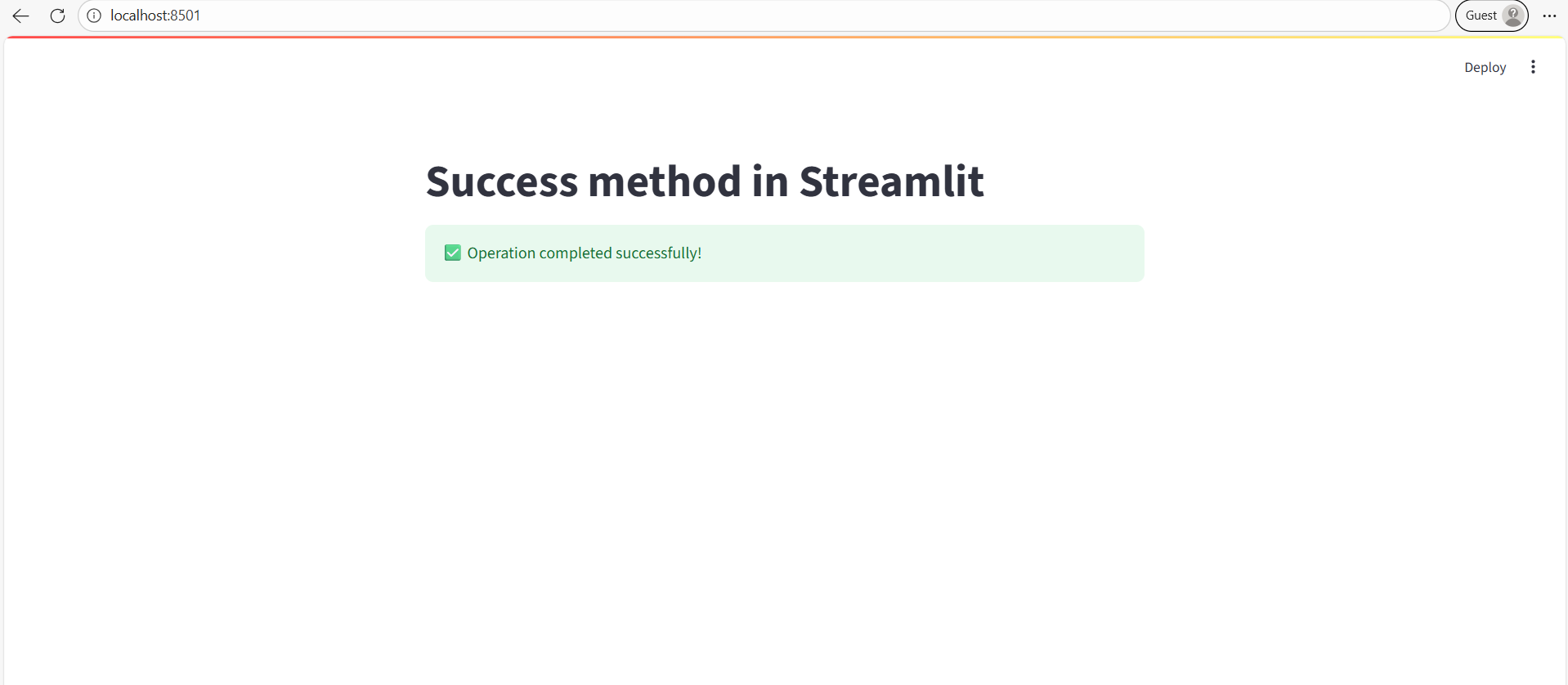
st.success("✅ Operation completed successfully!")
Output:
A green box with a checkmark appears showing the message.