st.table() in Streamlit
In Streamlit, st.table() is used to display static tabular data in a clean grid format. It renders a table exactly as provided — without scrolling, sorting, or interactivity. It is best suited for summaries, small datasets, and reports.
What is st.table()?
st.table() displays:
- Pandas DataFrame
- Pandas Series
- NumPy arrays
- Python lists & dictionaries
as a static table.
Basic Syntax
st.table(data)
The function has the parameter data which specifies the data to display in table form.
Example 1: Display a DataFrame
Python
import streamlit as st
import pandas as pd

# Sample data
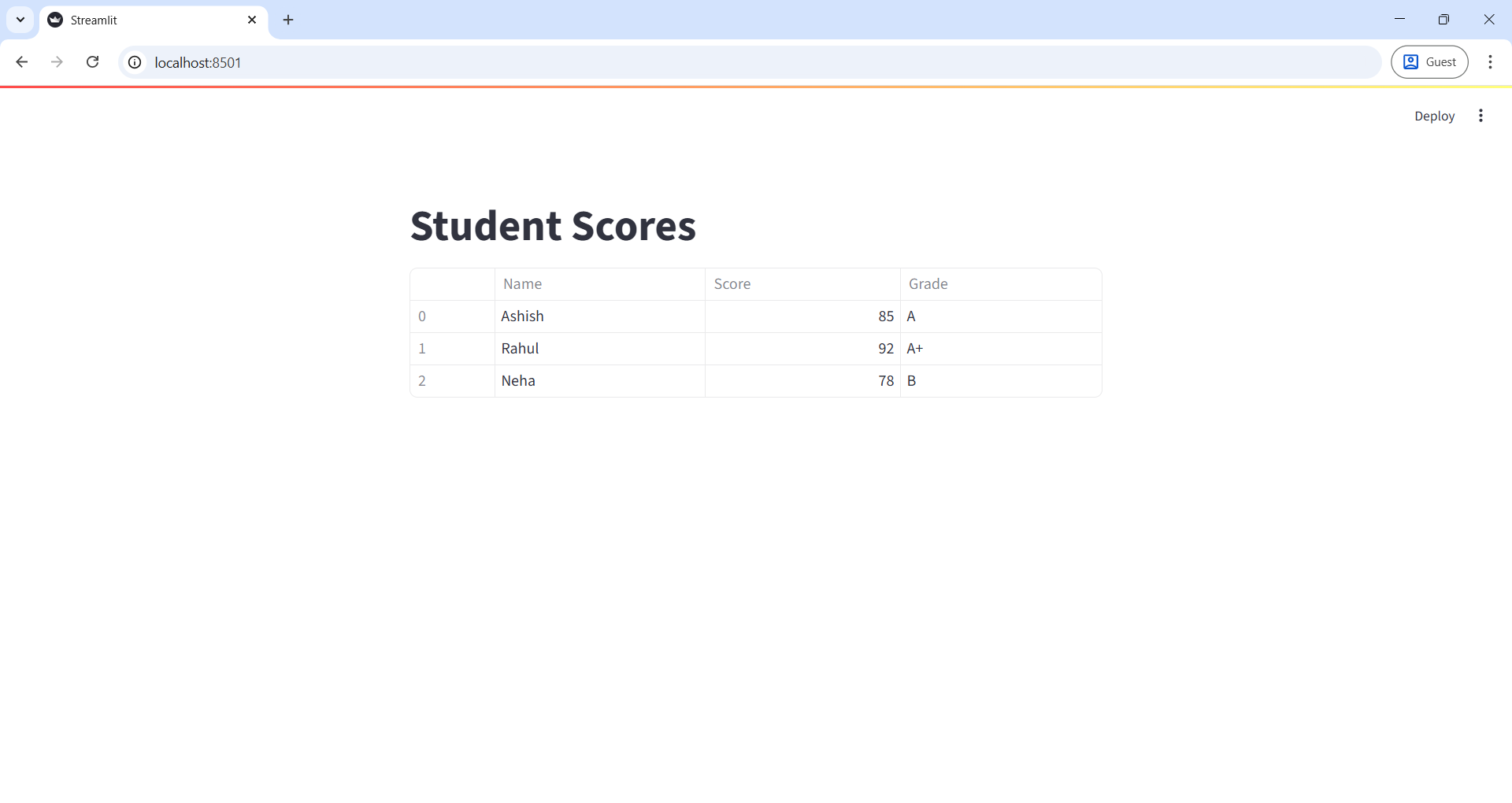
data = pd.DataFrame({
    "Name": ["Ashish", "Rahul", "Neha"],
    "Score": [85, 92, 78],
    "Grade": ["A", "A+", "B"]
})

st.title("Student Scores")

# Display static table
st.table(data)
✔ Output
- A clean static table with rows and columns
The output of the above code is shown below:
Example 2: Display Dictionary Data
Python
import streamlit as st

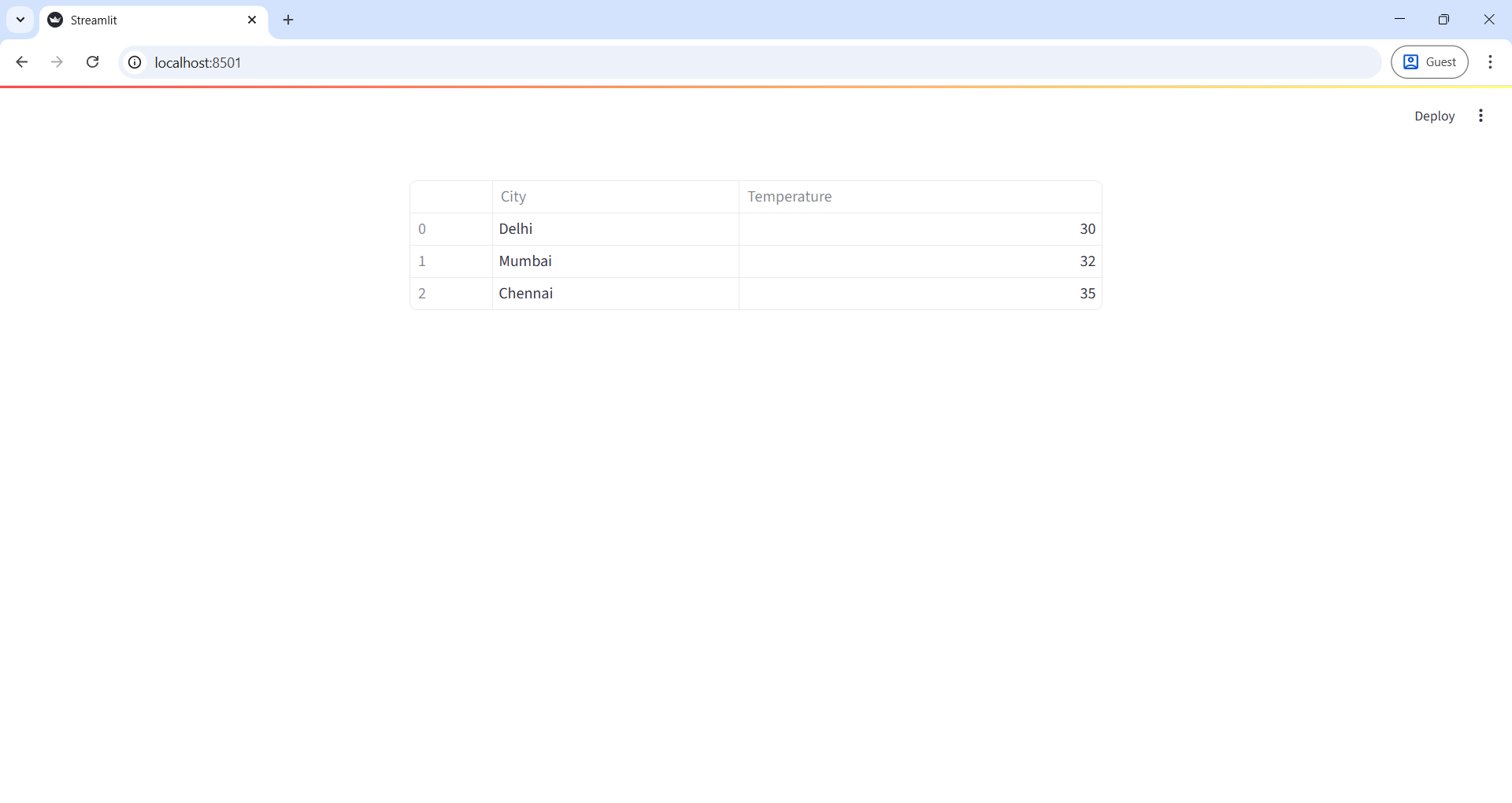
data = {
    "City": ["Delhi", "Mumbai", "Chennai"],
    "Temperature": [30, 32, 35]
}

st.table(data)
✔ Streamlit converts dictionary → table automatically.
The output of the above code is shown below: