ORDER BY clause in BigQuery
The ORDER BY clause in BigQuery is used to sort the result set of a query by one or more columns.
SQL Syntax
SELECT column1, column2
FROM `project_name.dataset_name.table_name`
[WHERE condition]
ORDER BY column1 [ASC | DESC], column2 [ASC | DESC], ...;
If the sort order is not specified, BigQuery sorts the column in ascending order by default. We can explicitly use ASC for ascending order or DESC for descending order.
Sorting by a Single Column (Ascending Order)
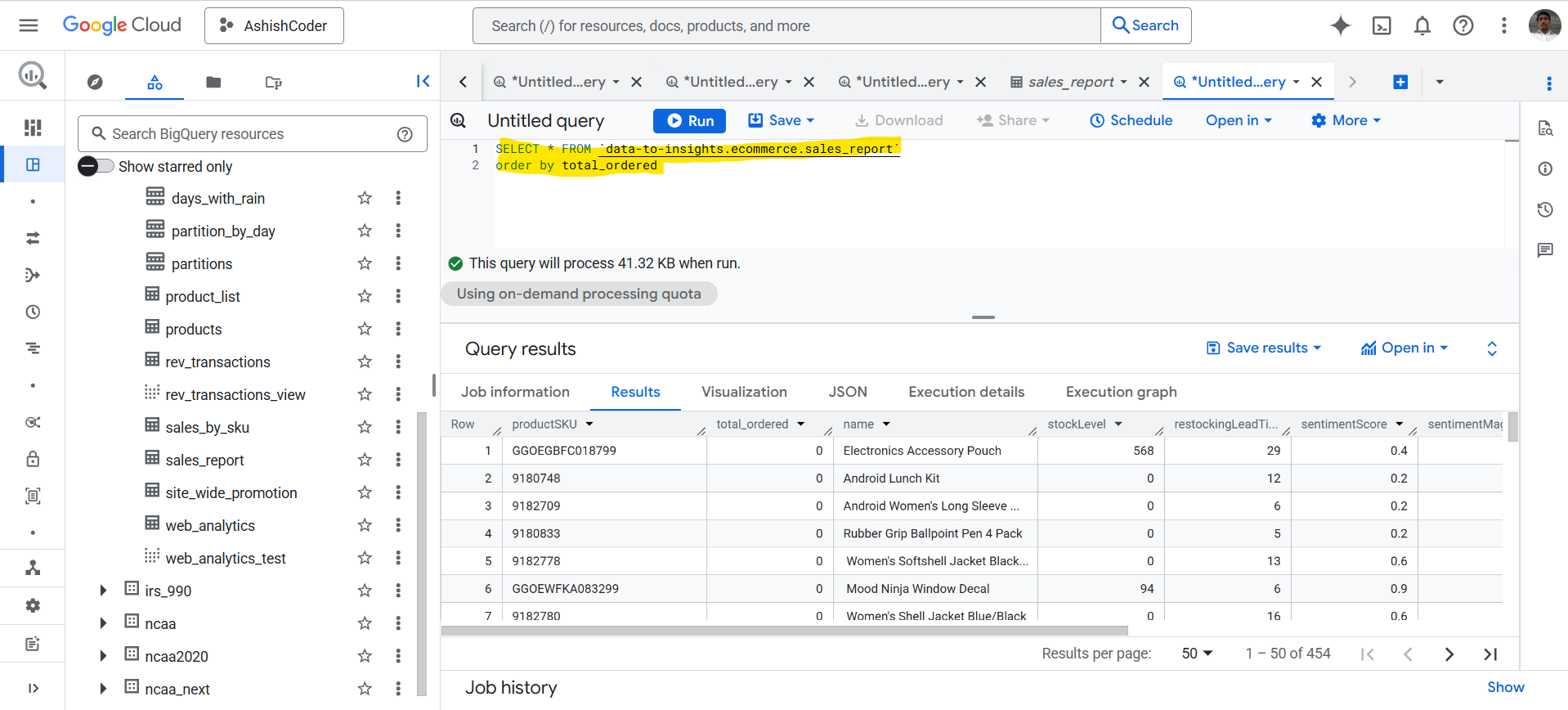
By default, the ORDER BY clause sorts the column in ascending order.
SQL
SELECT *
FROM `data-to-insights.ecommerce.sales_report`
ORDER BY total_ordered;
The output of the above query is shown below:
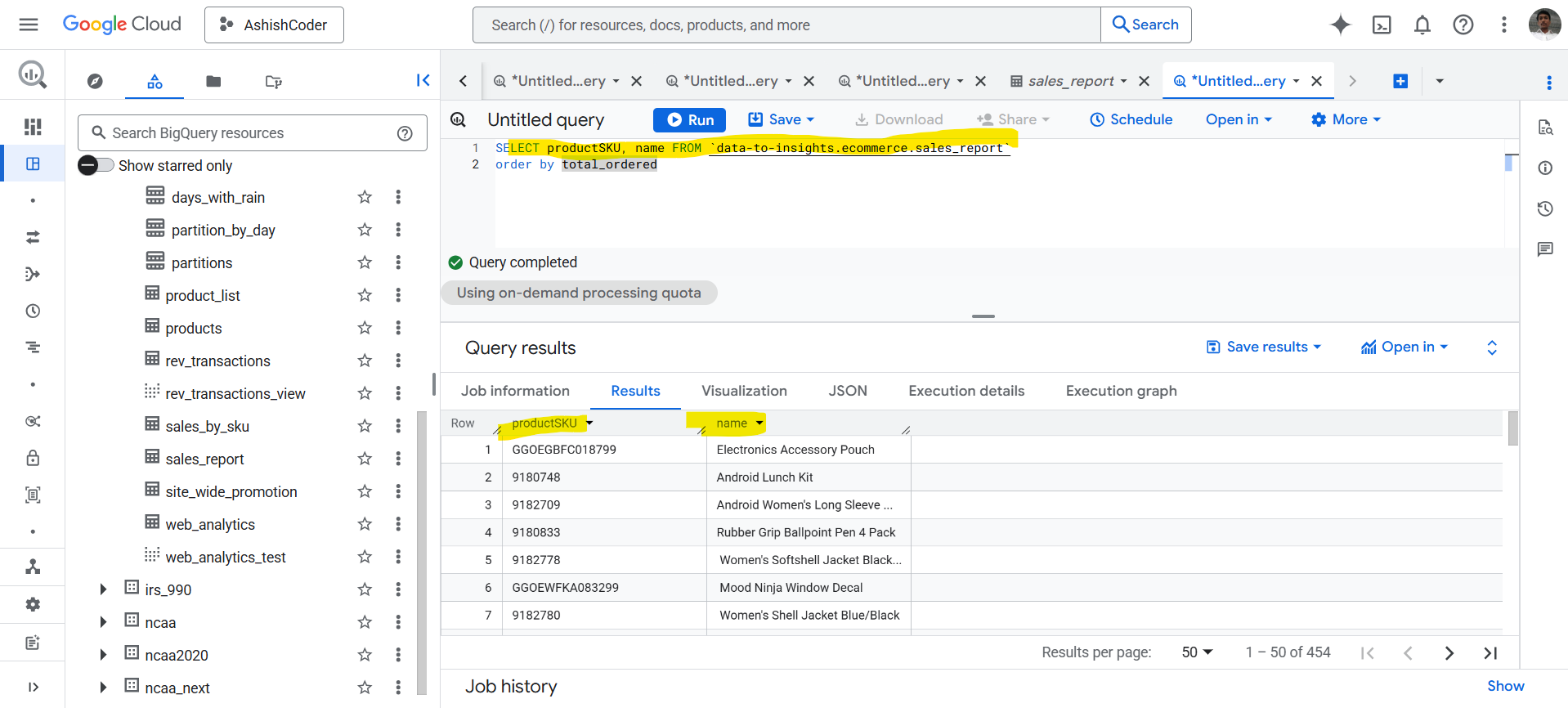
Even if the total_ordered column is not selected in the SELECT clause, the result set can still be sorted by it.
SQL
SELECT productSKU, name
FROM `data-to-insights.ecommerce.sales_report`
ORDER BY total_ordered;
The output of the above query is shown below:
Sorting by a Single Column (Descending Order)
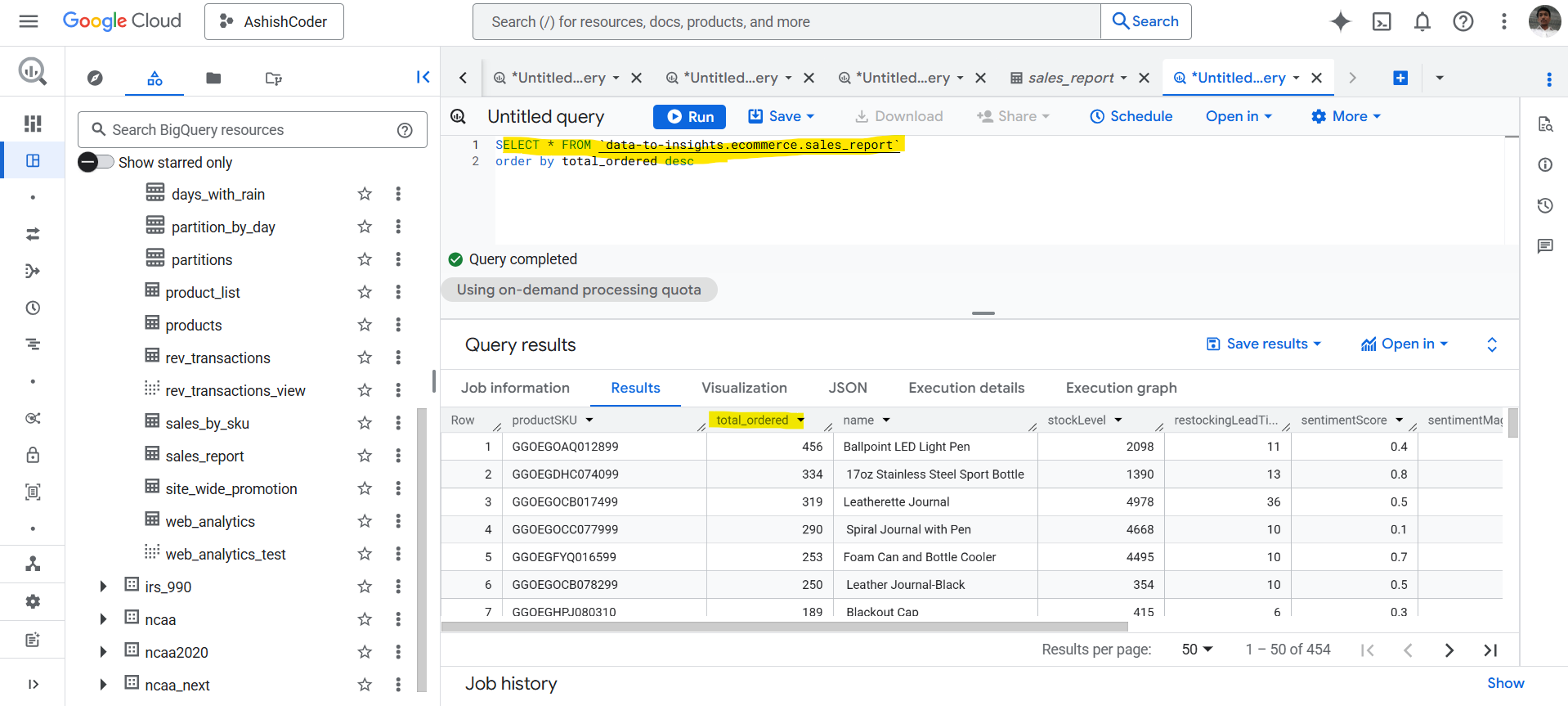
To sort the result set in descending order, use the DESC keyword with the column name.
SQL
SELECT *
FROM `data-to-insights.ecommerce.sales_report`
ORDER BY total_ordered DESC;
The output of the above query is shown below:
Sorting by Multiple Columns
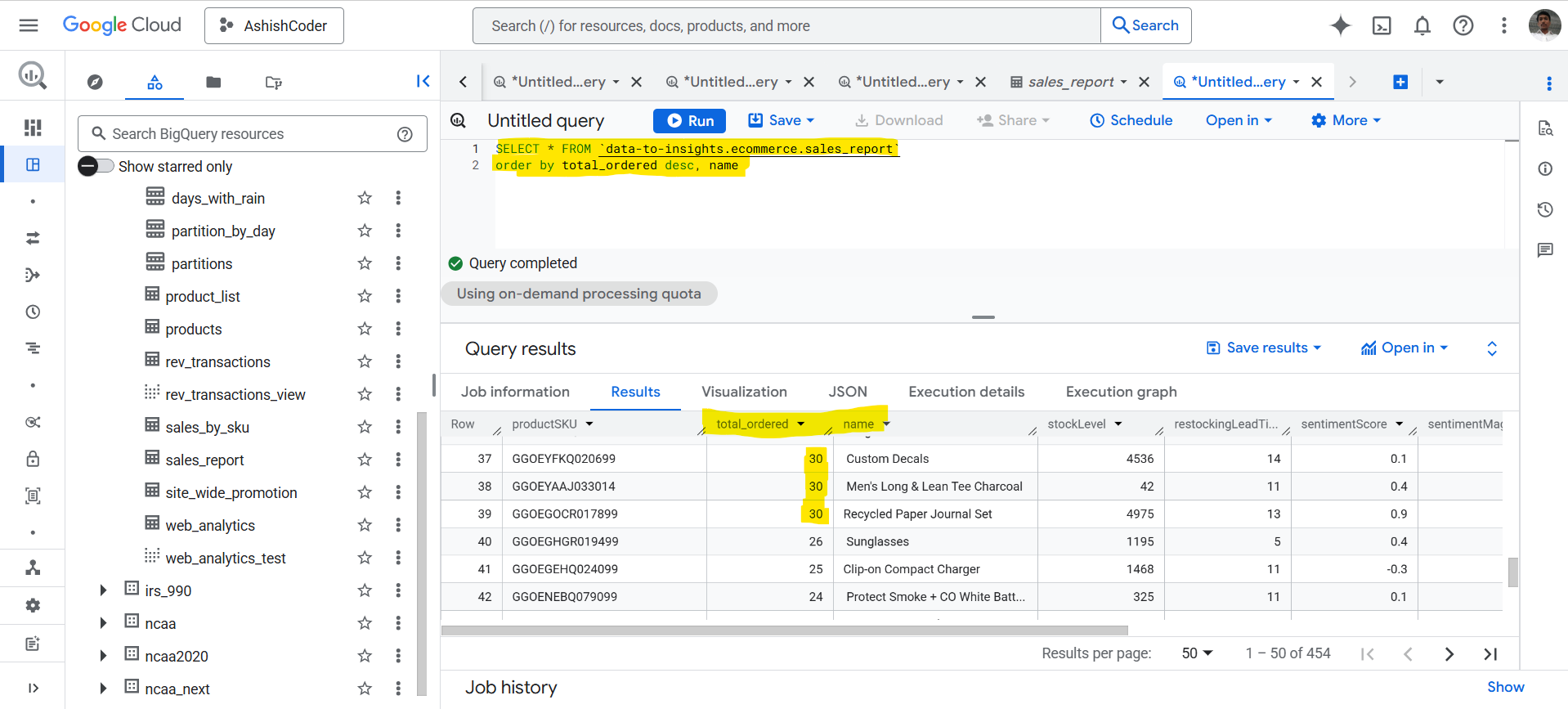
We can sort the result set by multiple columns by listing them in the ORDER BY clause.
- The result is first sorted by the first column.
- If there are ties, the second column is used for sorting.
- This process continues for additional columns.
SQL
SELECT *
FROM `data-to-insights.ecommerce.sales_report`
ORDER BY total_ordered DESC, name;
This query first sorts the data by total_ordered in descending order. If multiple rows have the same value, they are then sorted by name in ascending order.