st.subheader() in Streamlit
The st.subheader() method is a text display function in Streamlit used to show a heading smaller than st.header() but larger than regular text.
It is typically used to break content into sub-sections or highlight secondary titles under a main header.
Syntax
st.subheader(body)
The function has the following parameter:
- body: The text to display as a subheader. It can be a string, f-string, or Markdown-supported text.
Streamlit automatically applies a slightly smaller font size than st.header() and displays the text in bold.
Example: Basic Subheader.
Python
import streamlit as st

department = "Sales"

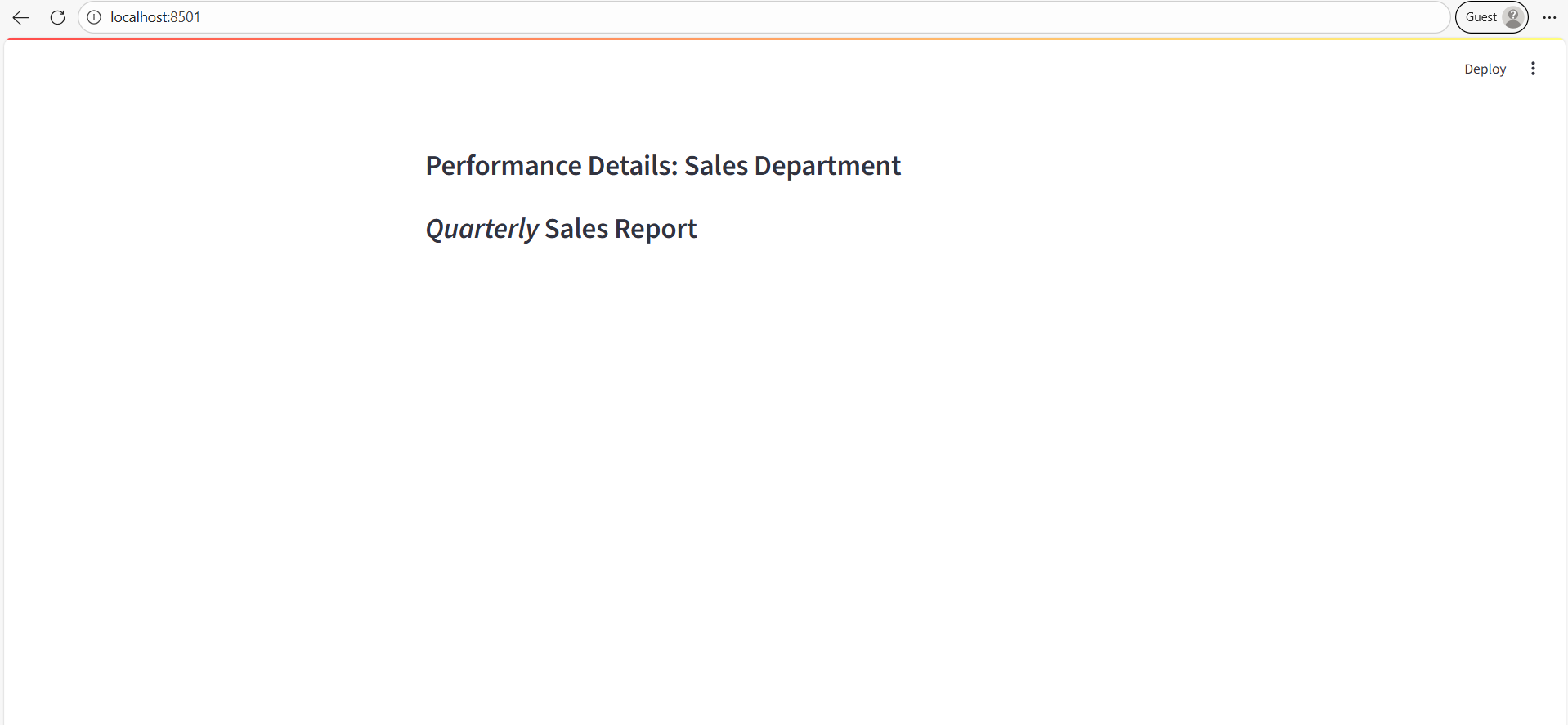
st.subheader(f"Performance Details: {department} Department")

# Using Markdown Formatting
st.subheader("_Quarterly_ Sales Report")
The output of the above code is shown below: