st.markdown() method in Streamlit
The st.markdown() method in Streamlit allows you to display Markdown-formatted text such as headings, lists, links, bold/italic text, images, or even HTML (when enabled).
It is one of the most versatile display functions in Streamlit.
Syntax
st.markdown(body, unsafe_allow_html=False, help=None)
The function has the following parameters:
- body: The Markdown text to display.
- unsafe_allow_html: If True, allows rendering raw HTML tags.
- help: Optional tooltip text displayed on hover.
Example: Basic Usage
Python
import streamlit as st

# Display Markdown headings
st.markdown("# Hello, Streamlit!")       # Heading 1
st.markdown("## This is a subheading")   # Heading 2
st.markdown("### Small heading")         # Heading 3

# Add bold, italic text, bullet list, and a link
st.markdown("""
**Bold text**
*Italic text*
_italic_

- Bullet item 1
- Bullet item 2

[Visit Streamlit](https://streamlit.io)
""")
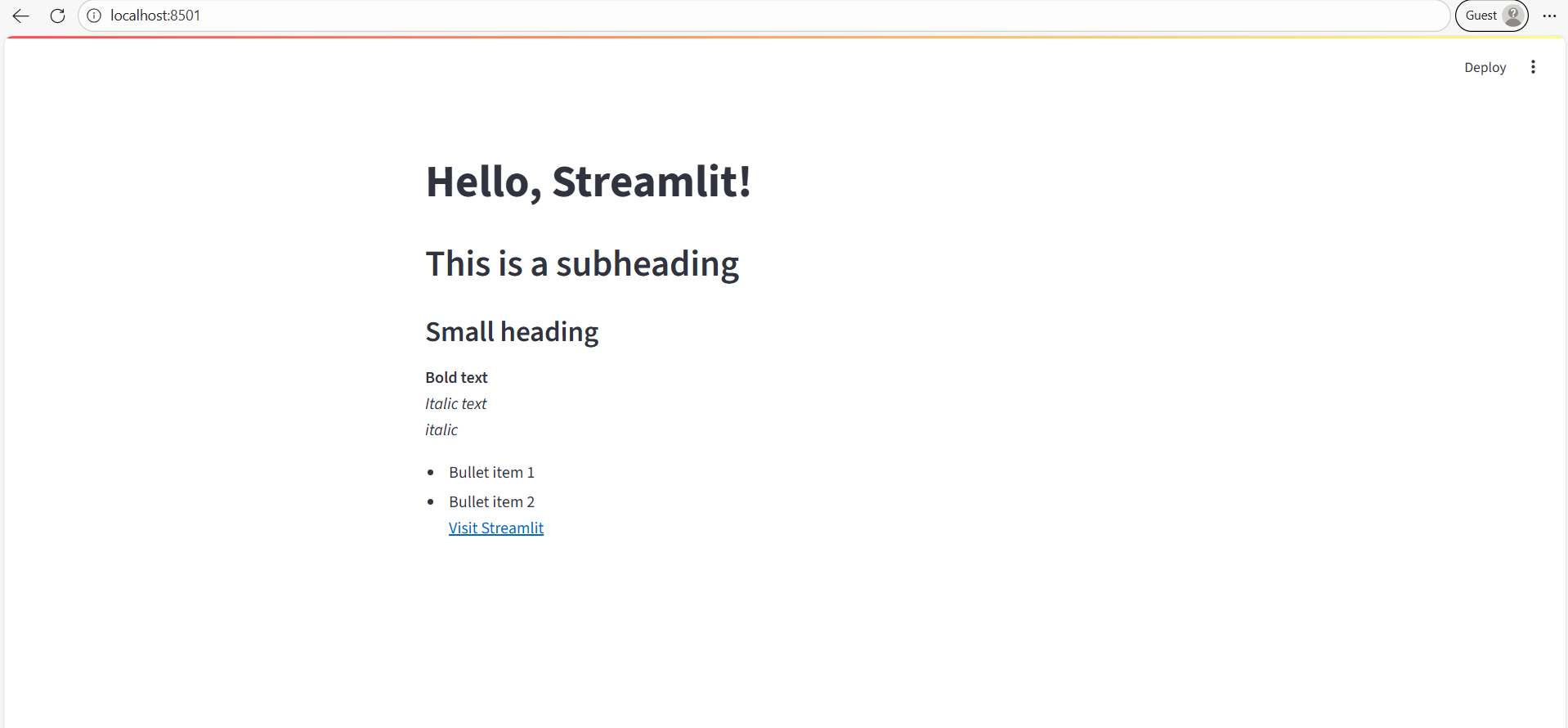
Output: Displays formatted headings, styled text, bullet points, and a clickable link.