BLANK DAX Function in Power BI
The BLANK DAX function returns a blank value. In Power BI, a "blank" represents an empty or null value. It’s commonly used in calculations, conditional logic, and data modeling to handle missing or undefined data gracefully.
DAX Syntax BLANK()
The BLANK() function takes no arguments. It simply returns a blank (null) value.
BLANK vs. 0 vs. Empty String
Understanding how BLANK differs from other "empty" states is key to avoiding logical errors:
• BLANK(): Represents the absence of a value.
• 0: Represents a specific numeric quantity of zero.
• "": Represents a text string with zero length.
In many DAX comparisons, 0 = BLANK() will return TRUE, and "" = BLANK() will also return TRUE. To check for a strict blank state, use the ISBLANK() function.
Blank Propagation in Arithmetic
When you use BLANK() in calculations, DAX follows these specific rules:
• Addition/Subtraction: BLANK is treated as 0. BLANK() + 10 = 10.
• Multiplication: BLANK results in BLANK. BLANK() * 10 = BLANK.
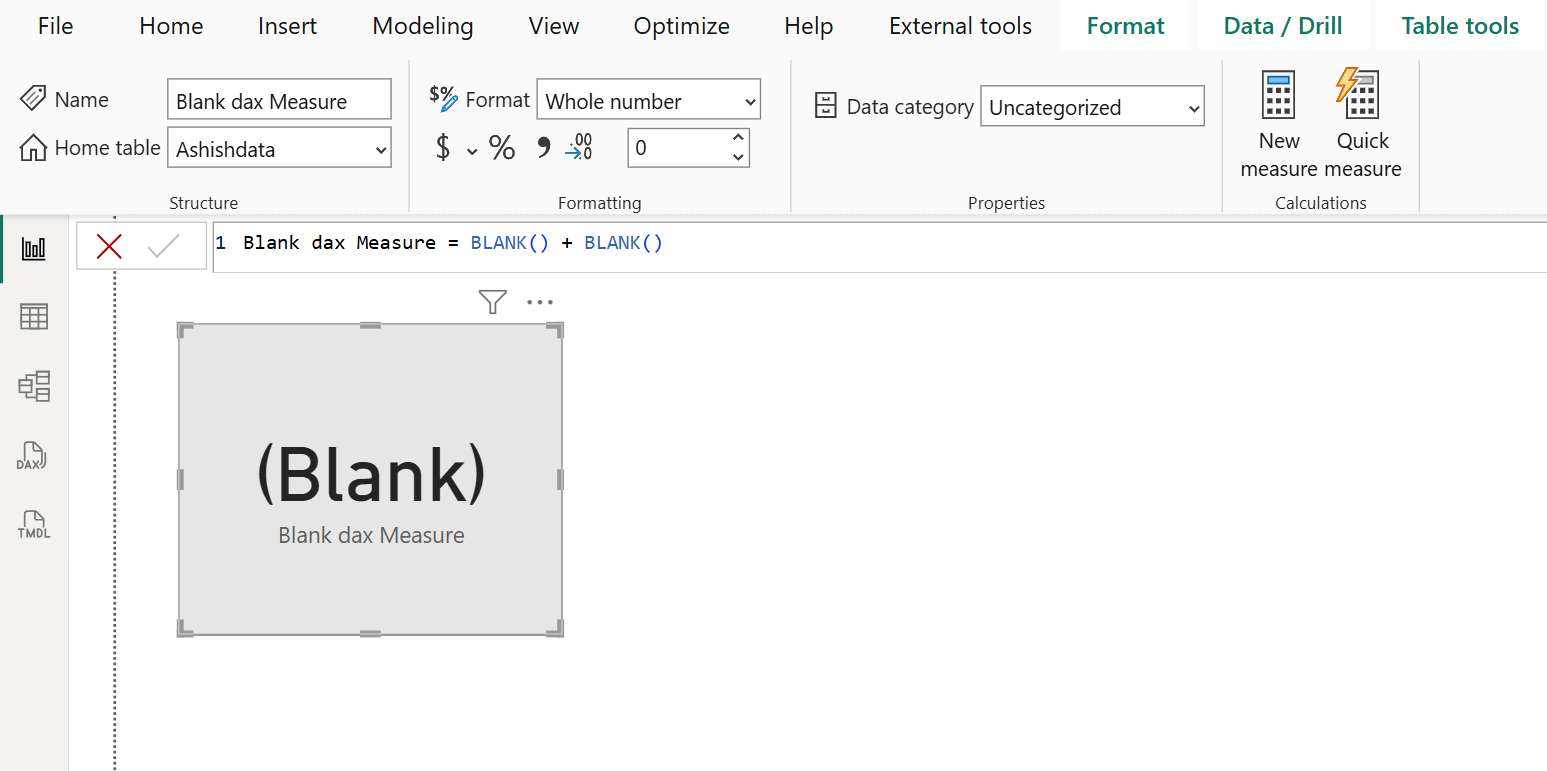
• Double Blank: Adding two blanks results in a blank. BLANK() + BLANK() = BLANK.
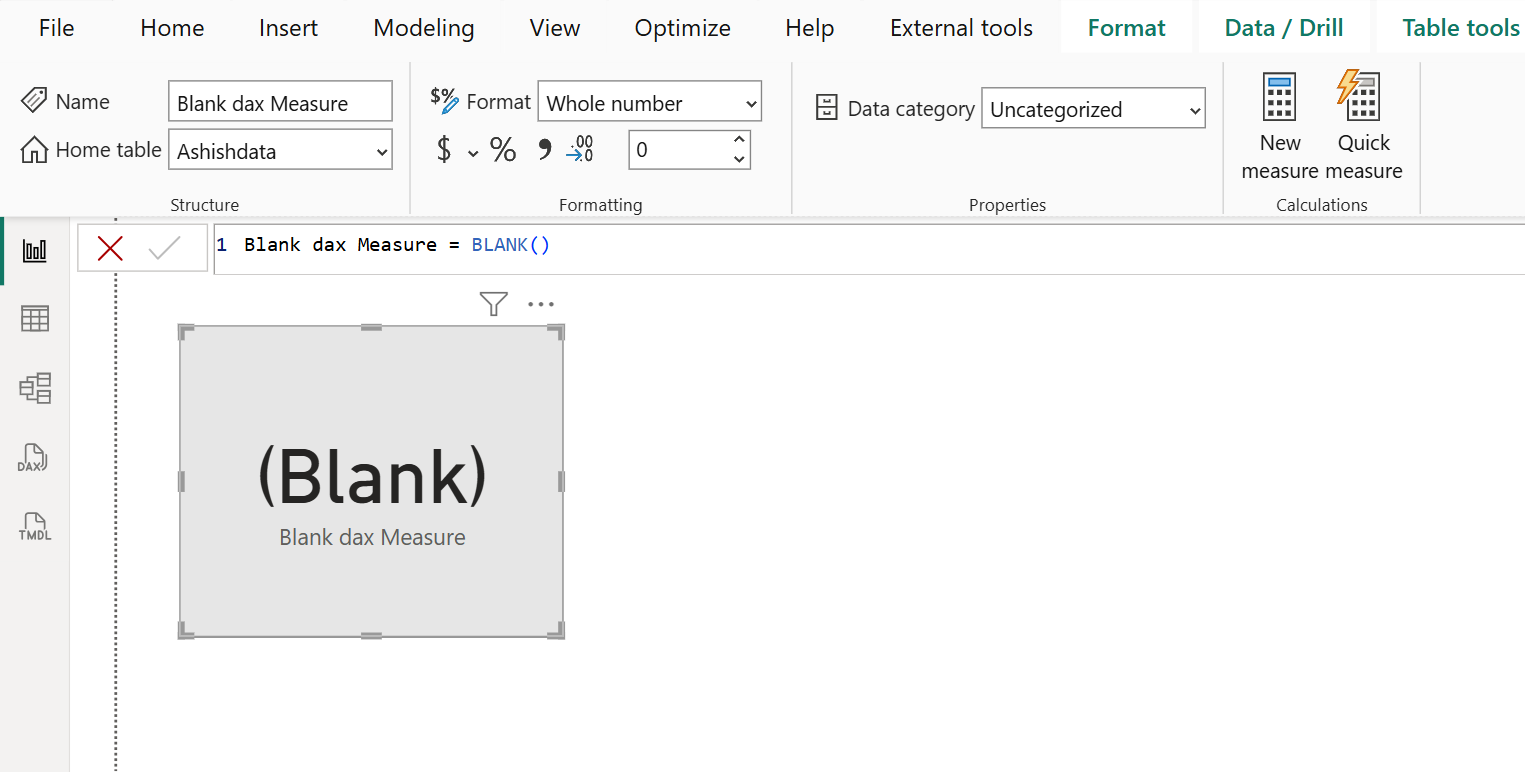
Example: Let’s create a measure with name “Blank dax Measure”.
DAX
The output of the above DAX function is shown below:
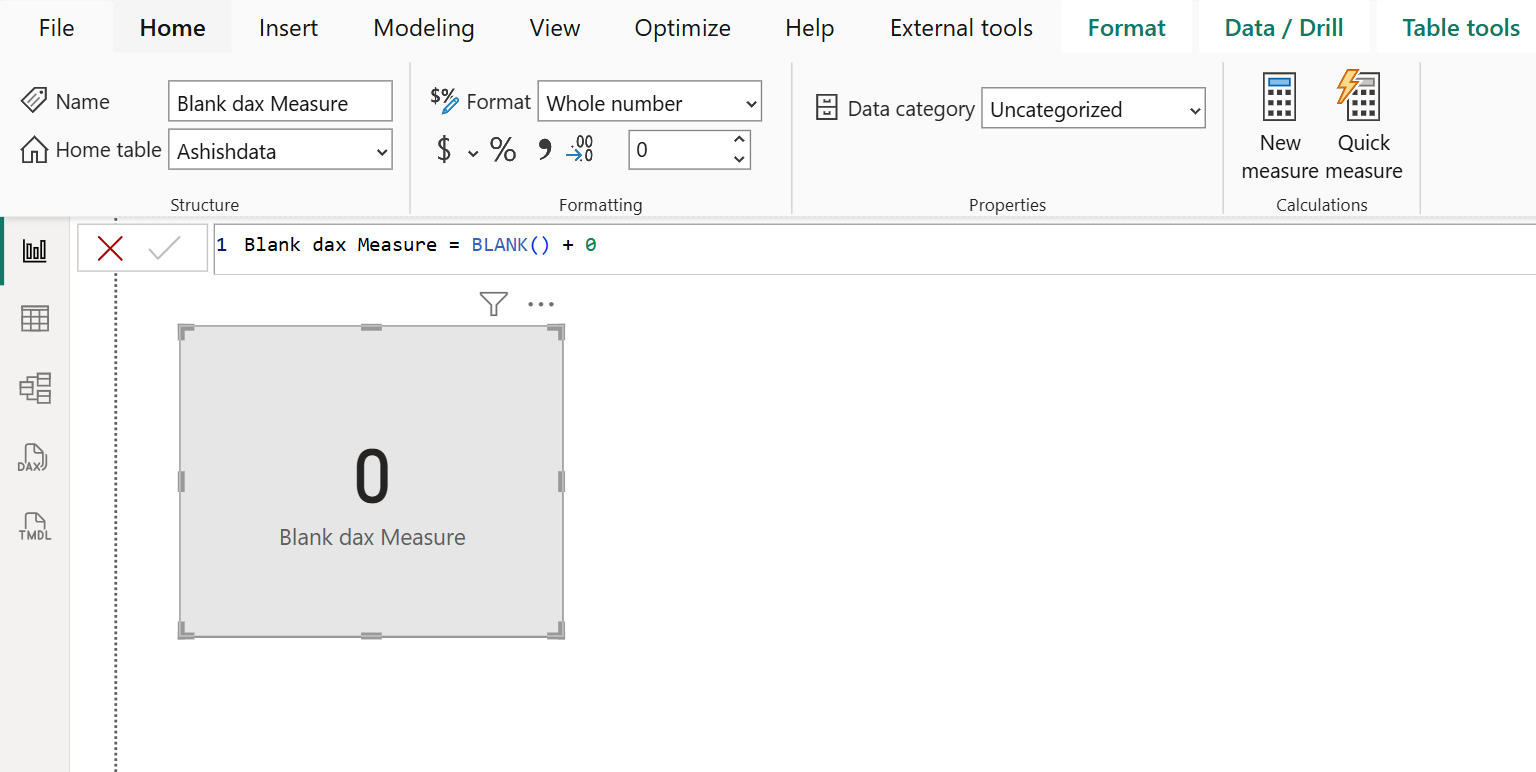
Let’s add the 0 to the BLANK() function.
DAX
The output of the above DAX function is shown below:
DAX
The output of the above DAX function is shown below: